Containerisation on macOS
Last year at WWDC25, Apple announced containerisation, a native Swift API to run Docker containers on the Mac. The developer community rejoiced: they could finally ditch proprietary solutions and run containers as first class citizens on the Mac. However, adoption of containerisation has been slow. While Apple released a CLI tool to interact with the API, in order to see mass adoption, they would’ve needed to release a drop in replacement for the docker daemon. There has been at least one major attempt to reach parity with the docker daemon, it remains feature incomplete and constrained by the underlying Apple API.
So, for the most part, the community shrugged. Containers on macOS have continued to be a mess of proprietary apps with restrictive licenses and less user-friendly, open-source options. And, to my knowledge, most currently available options still run a monolithic Linux VM with the Docker daemon and containers inside.
I sought to make the landscape slightly better by improving the usability of colima on macOS systems using home-manager. Much like Docker Desktop and Orbstack, colima runs a Linux VM to host the docker daemon and all containers. It has support for Apple’s Virtualization framework, so once the monolithic VM has started, it should have similar performance characteristics to Apple’s containerisation solution. Bringing colima to home-manager now allows nix users to declaratively enable and manage a containerisation solution in as little as one line of code.
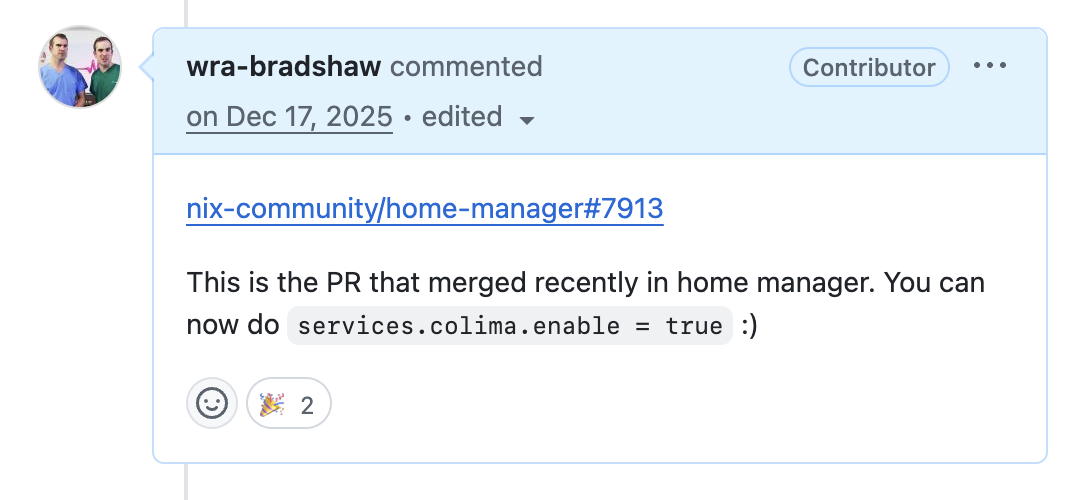
services.colima.enable = true;There had been a long standing PR sitting in the nix-darwin repo about a colima module. I wondered if I could help get it moving again.
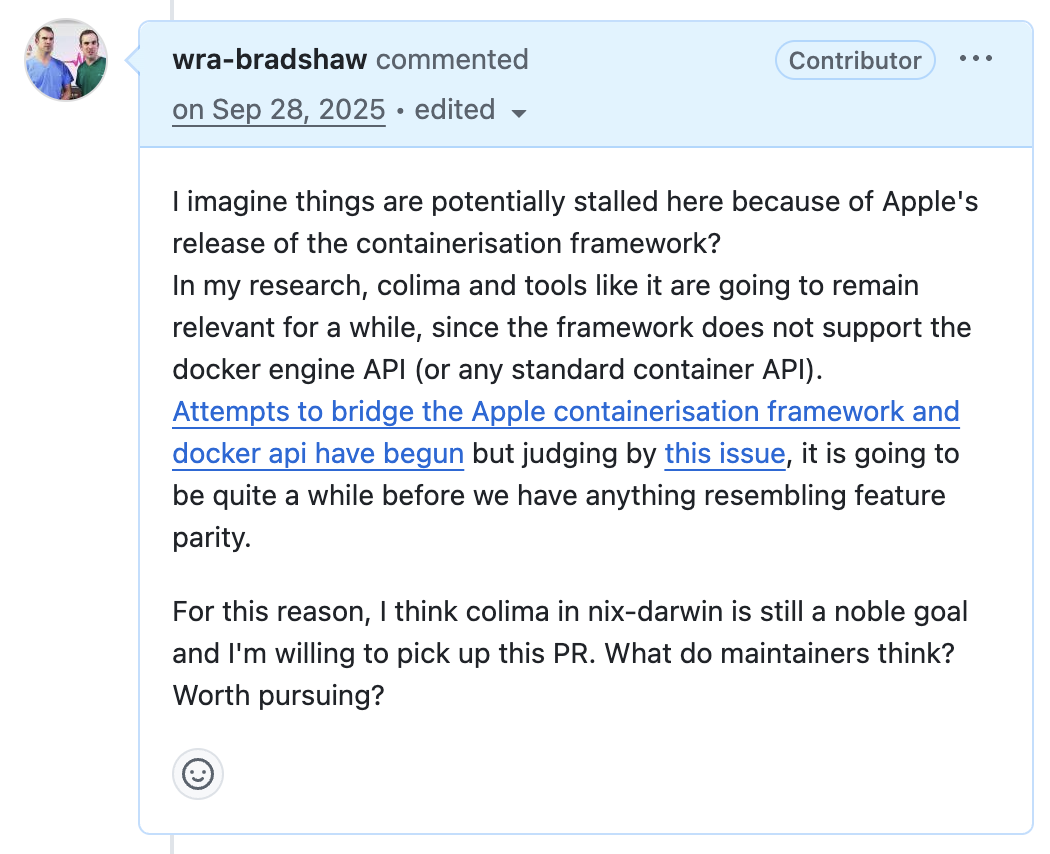
After some research, I found that Colima prefers to run as a per-user service rather than a system-level daemon. So, it would make a lot more sense to build this into home-manager. This would have the benefit of not requiring root access to run the service and isolating the container VMs between desktop users. I got to work building a module that I could dogfood in my own configuration before bringing it to home-manager.
colima adds Docker contexts to your configuration so that you can create multiple colima configurations, or connect remote Docker daemons and switch between them easily. So my colima module would need to depend on adding docker context support to the home-manager docker module. I created the PR, and after some discussion with the maintainer, it was approved!
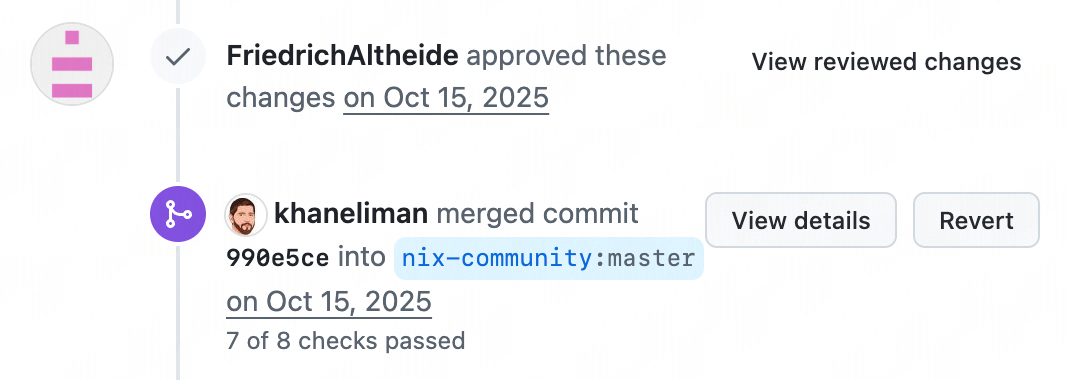
Now the path was clear for my colima module. I created the PR from the module I had already been dogfooding in my own configuration. Being a big change, it invited quite a bit of discussion over a few months. It eventually made its way into home-manager, and I was added as a maintainer of the module. Since then, it’s taken a life of its own! Many users are now using (and contributing to!) the module. I felt proud that I improved this point of friction for nix users on Mac, and thought it was cause for celebration in the original PR.